
QR codes at the counter
Use a static code for a collection point or create a dynamic code for a specific order.
ECPG QR for businesses in Vietnam
From the QR code at the counter to the final order status, ECPG QR gives cashiers a clear collection flow and managers a way to review results. The right setup depends on your business.
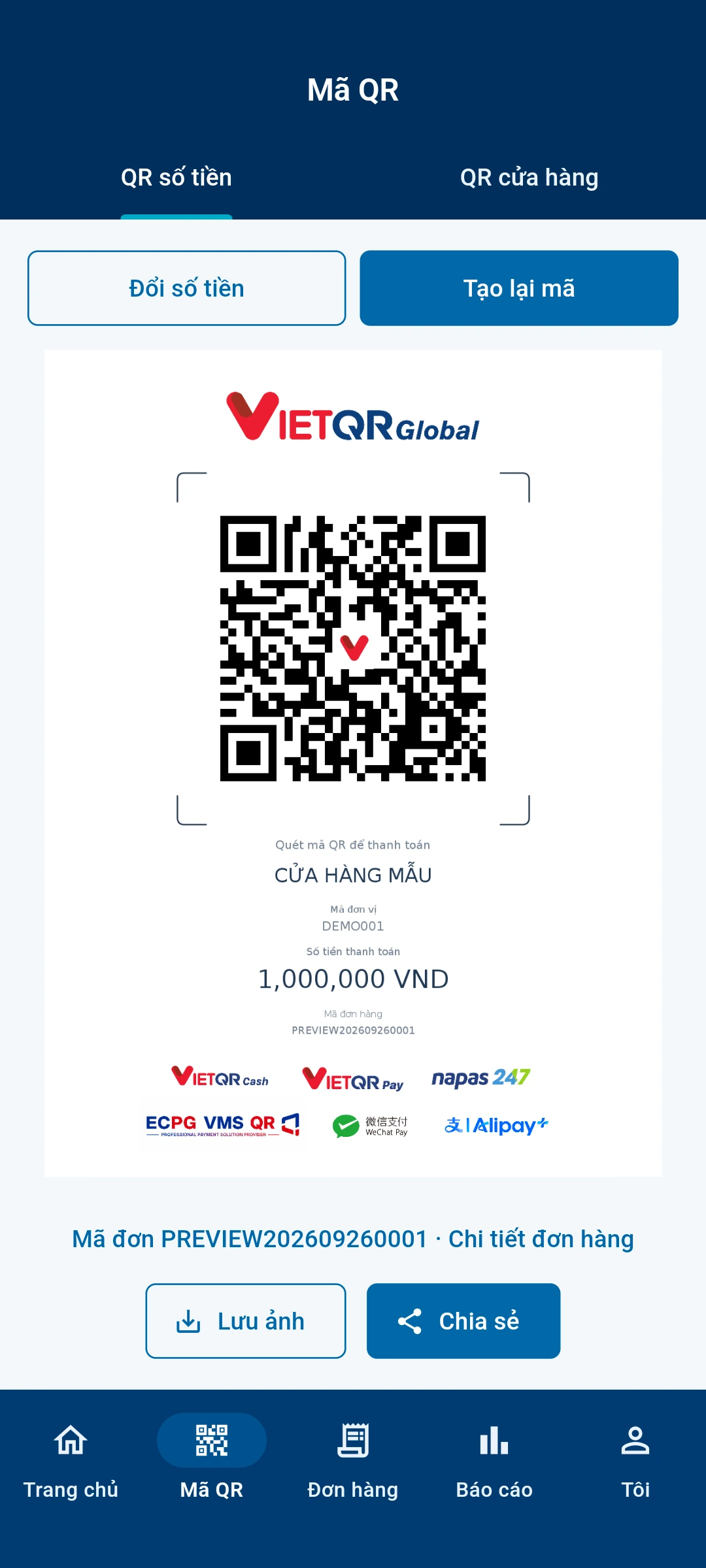
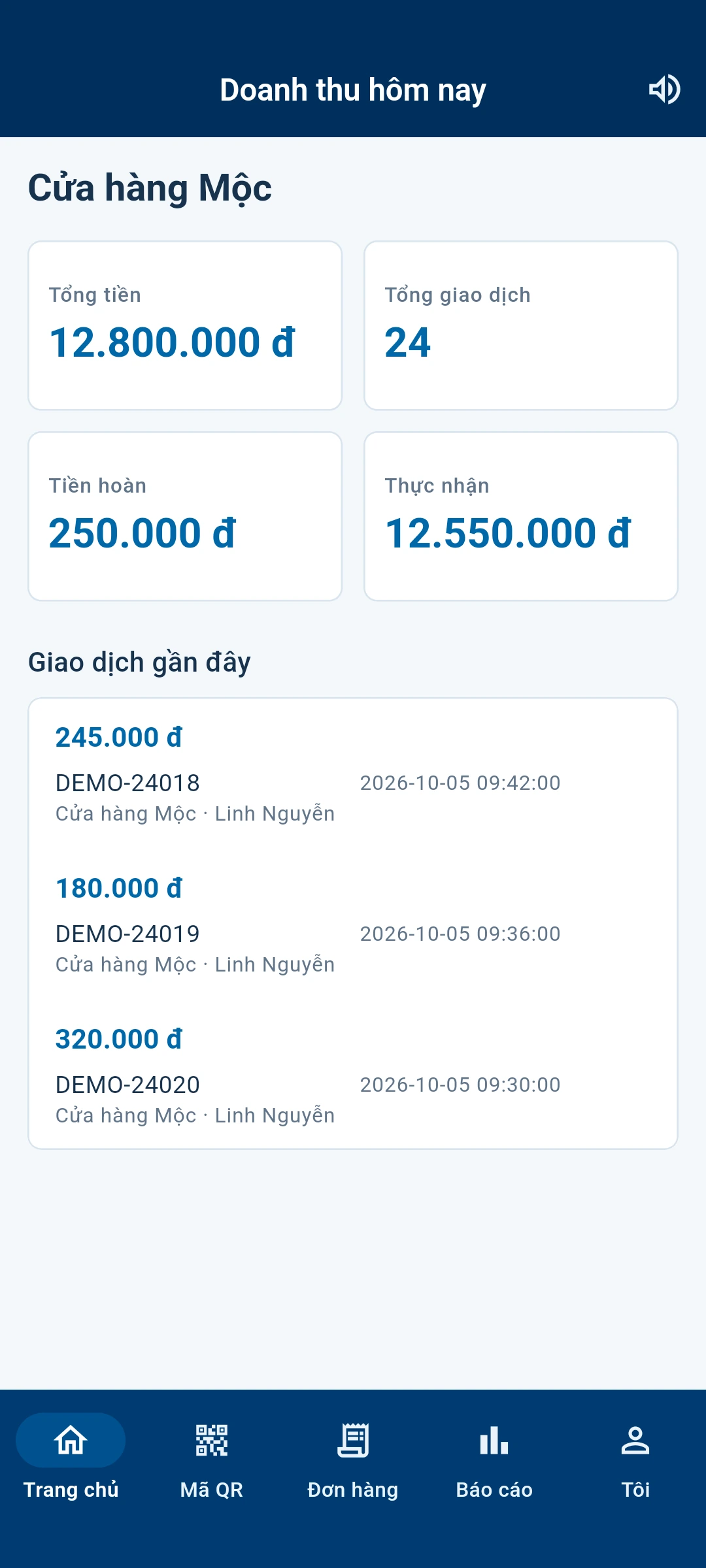
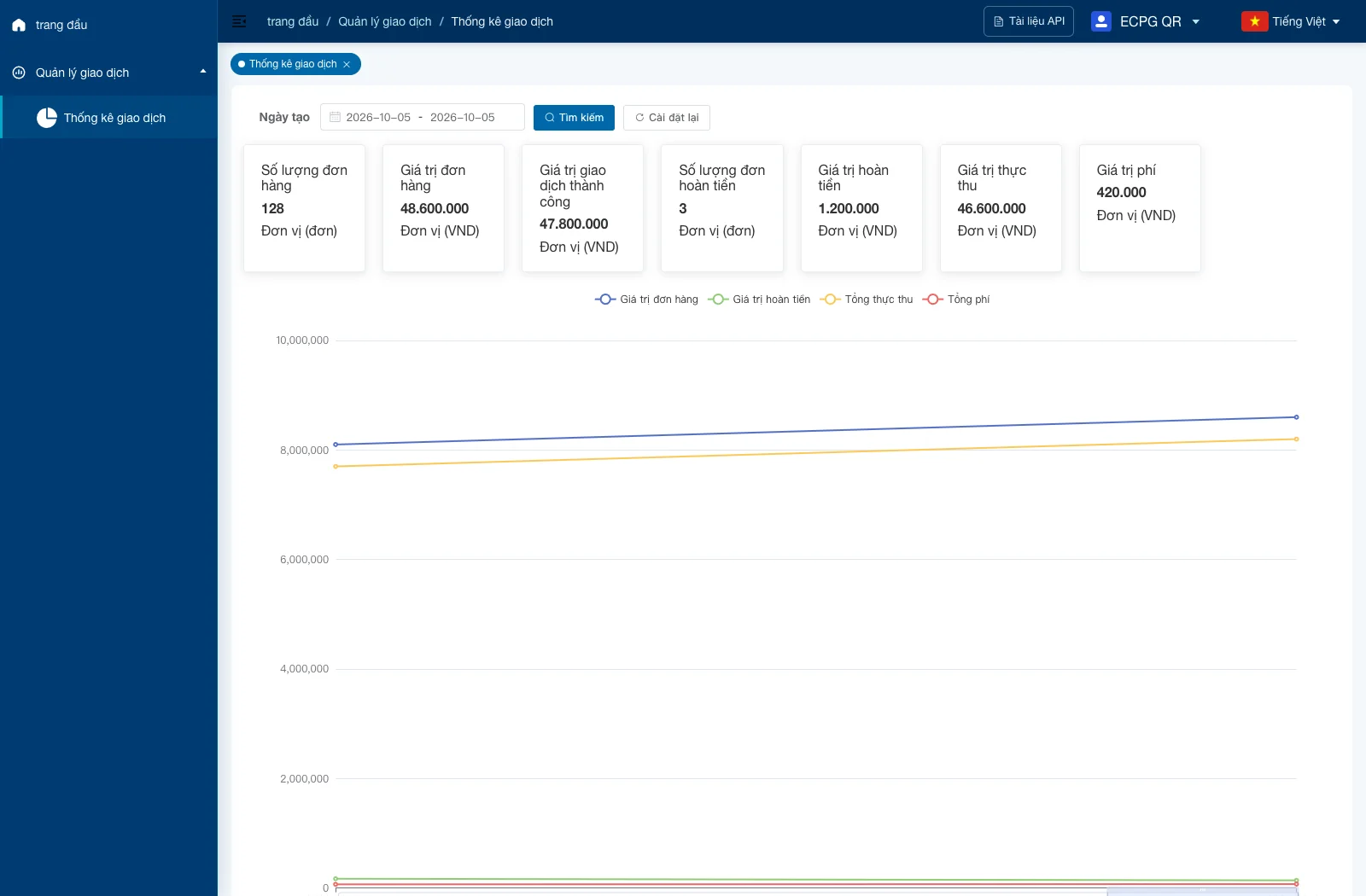
Cashiers work at the point of sale while managers review stores, staff, and transactions. Choose the parts that fit how your business operates.
Use a static code for a collection point or create a dynamic code for a specific order.
View payment codes, orders, and transaction status on a staff device.
Associate transactions with the right store and cashier for easier review.
Manage store and staff records and view reports within assigned permissions.
Choose the appropriate code, let the customer scan with a supported app, then check the confirmed transaction status. Creating a code alone does not mean payment succeeded.
A static code serves a collection point; a dynamic code carries a specific amount and order.
The customer completes the payment in a compatible app.
The cashier reviews the confirmed status before completing the sale.
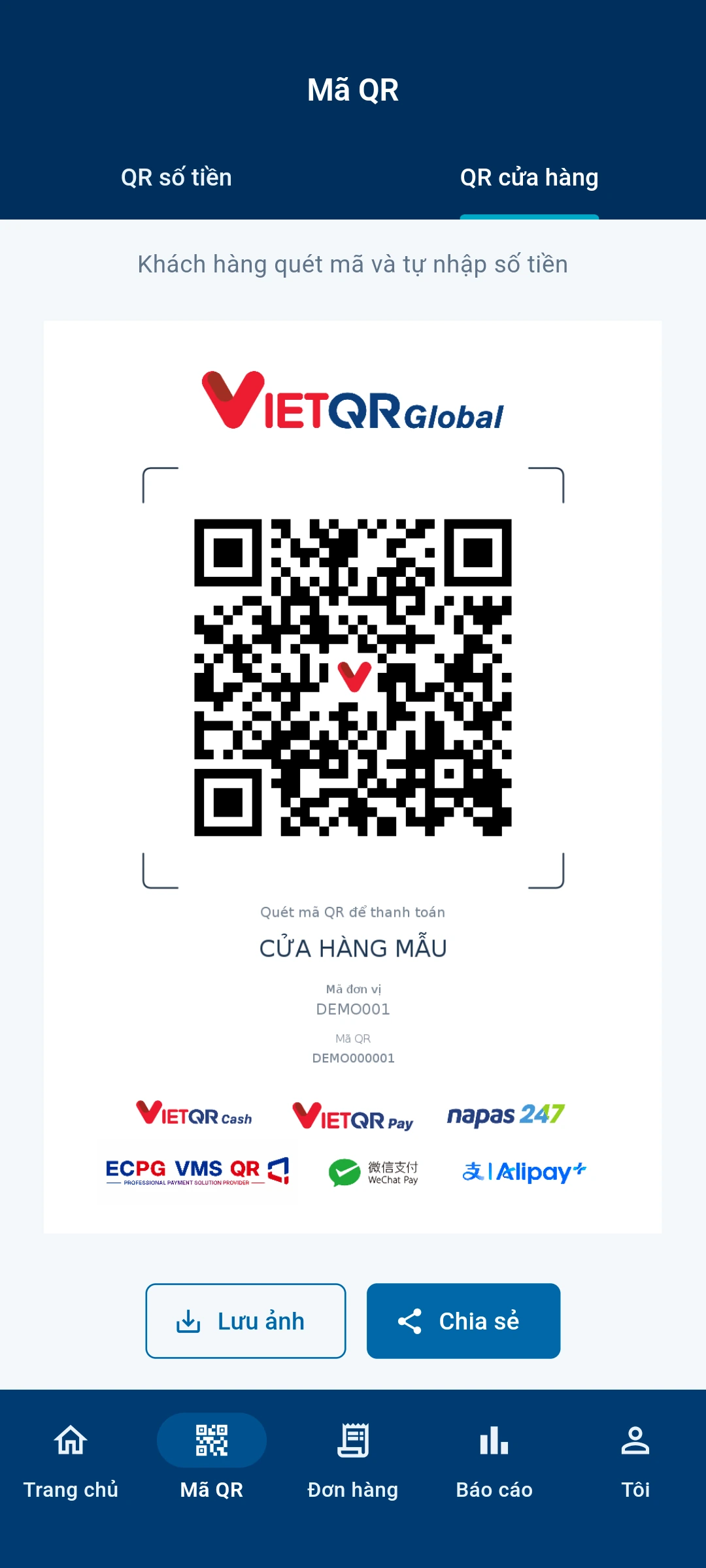
All QR codes and amounts shown on this website are illustrative and cannot be used to pay.
Both static and dynamic QR codes support Vietnamese banking apps, Alipay, and WeChat Pay. Customers can scan with a familiar method, while a dynamic code is linked to a specific order and amount.
Customers can scan with a compatible Vietnamese banking app.
Available with both static and dynamic QR codes.
Customers can pay with Alipay using a static or dynamic QR code.
Dynamic codes are linked to a specific order and amount.
Customers can pay with WeChat Pay using a static or dynamic QR code.
Dynamic codes are linked to a specific order and amount.
Transactions are linked to a collection point and cashier. Staff can review orders in the app; managers can maintain stores, staff, and reports in the portal according to their permissions.
Use recorded status and details when reviewing a transaction.
Organize payment activity by merchant, store, and cashier.
See business data within the scope granted to your account.
The app can refresh and show notifications; delivery depends on device and configuration.
ECPG QR connects work at the counter with follow-up management. Each benefit here is grounded in a product function that can be checked.
Static and dynamic QR codes support different payment request flows.
Store and cashier records help identify where a transaction belongs.
Check the status confirmed by the system when reviewing a payment.
Businesses with their own systems can explore APIs for order creation and lookup.
Discuss your needs, then choose counter collection, app and portal use, or integration with your own system. Channel activation and real-world testing are part of onboarding.
Confirm your operating model, requested methods, and activation requirements.
Set up the merchant, stores, cashiers, and appropriate credentials.
For API use, create and query orders from your server and verify notifications.
Complete testing for the confirmed environment and payment channel.
The documentation route is recorded in the repository; check live access before publication.
These examples show where the product could fit. They are illustrative use cases, not accounts of merchants who have deployed ECPG QR.
Illustrative use case — not a real customer story
At a busy counter, staff need to know which orders have confirmed payments.
Display a code for each order and check its status before completing service.
Helps staff match a transaction to the order being served.
Several outlets need to distinguish which store and cashier handled a transaction.
Configure stores, cashiers, and collection points, then review orders within assigned access.
Helps managers review activity by location.
A business wants to connect a payment request to a booking in its own system.
After onboarding, use server-side APIs to create a dynamic code and query the order.
Makes it possible to match a payment request with an internal booking reference.
If you advise or connect businesses, discuss the customers you serve, their onboarding needs, and a suitable way to work with ECPG QR.
Share their locations, store types, and payment requirements.
Agree how introductions, onboarding, and ongoing support would work.
Commercial terms follow separately confirmed documentation.
A quick guide to onboarding, development, payment methods, and multiple-store use.
Discuss your stores and requested methods first. Channel requirements, collection points, and testing then need to be confirmed.
Not necessarily for the counter and app workflow. Using your own order system requires server-side API integration.
Vietnamese banking apps, Alipay, and WeChat Pay all support static and dynamic QR codes. A store must be set up before it starts accepting payments.
The product has store and cashier records. Access and collection points must be configured for your business.
The online guide has language-specific content. Check the link and coordinate with technical staff before integrating.
Use the published email to discuss merchant payments, technical integration, or a potential partnership.
Discuss your stores, collection flow, and requested methods.
Discuss the API, payment notifications, and testing.
Discuss collaboration once formal policy materials are confirmed.